Published 15 July 2026
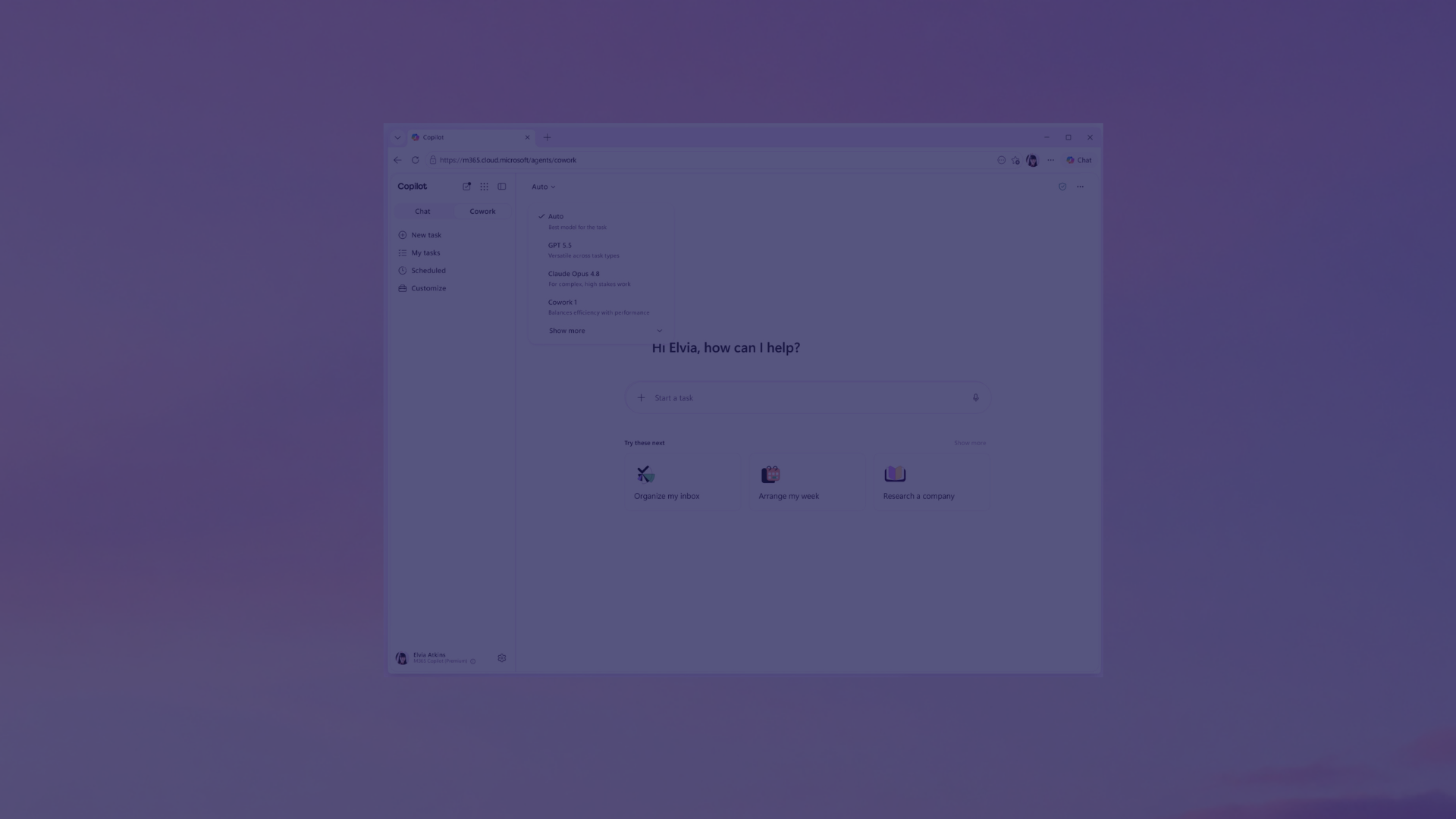
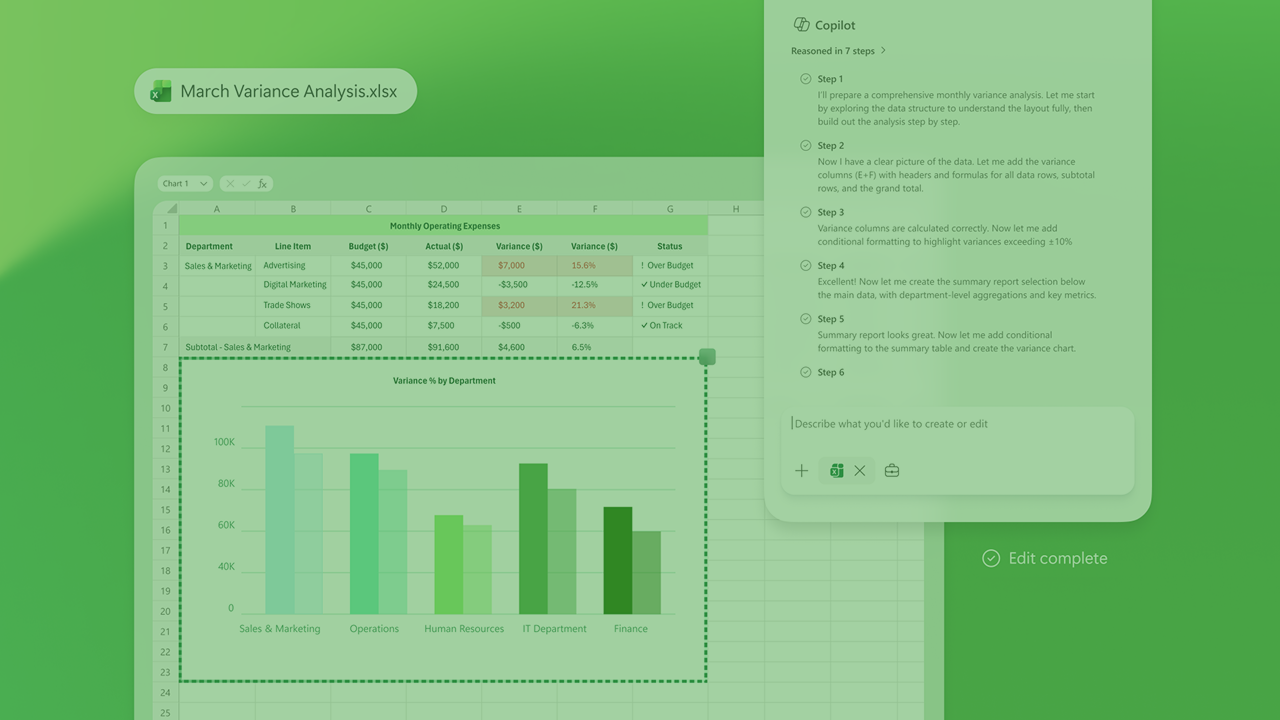
There’s been a lot of hype and amazing feedback since Copilot Cowork was made available to frontier organisations. Internally at Engage Squared, we have embraced Cowork as our new side-kick, helping us move at pace, connect the dots when we’re in the thick of research, and generally enjoy work more. This month, Microsoft made Cowork generally available worldwide, describing it as:
Our Digital Marketing Lead, Shivon Raj gives her take on the value of Cowork and how it fits with the rest of the Copilot ecosystem.
Over the past 12 months, Microsoft has quietly shifted from building AI assistants to building what feels more like an AI workforce. First came Copilot, then agents, now Copilot Cowork has arrived.
For many organisations, the challenge isn’t understanding what Microsoft launched. It’s understanding what these changes mean in the day-to-day reality of their business; where to start, who would benefit, and how to avoid surprises when the bill arrives.
When I first heard about Cowork, I was admittedly a little confused. Between Microsoft 365 Copilot, Copilot Chat, agents, and a constant stream of new features, I wasn’t entirely sure where Cowork fit in or whether it would genuinely change how I use AI every day.
As a Microsoft Frontier Firm partner, our team at Engage Squared has had early access to Cowork for several months. That gave us the chance to experiment, test different scenarios and, most importantly, figure out where it actually adds value.
The short answer? It’s not just another AI feature. It’s a glimpse into where Microsoft believes work is heading next.
Copilot vs Cowork: What’s the real difference?
If you’ve used Copilot, ChatGPT, Gemini or Claude, you’ll know that most AI tools work in a similar way. You ask a question, provide a prompt and receive a response. Need an email drafted? AI can help. Need a presentation outline? AI can help. Need a summary of a meeting? AI can help, in many ways, it feels like Google on steroids; this is where Cowork is different.
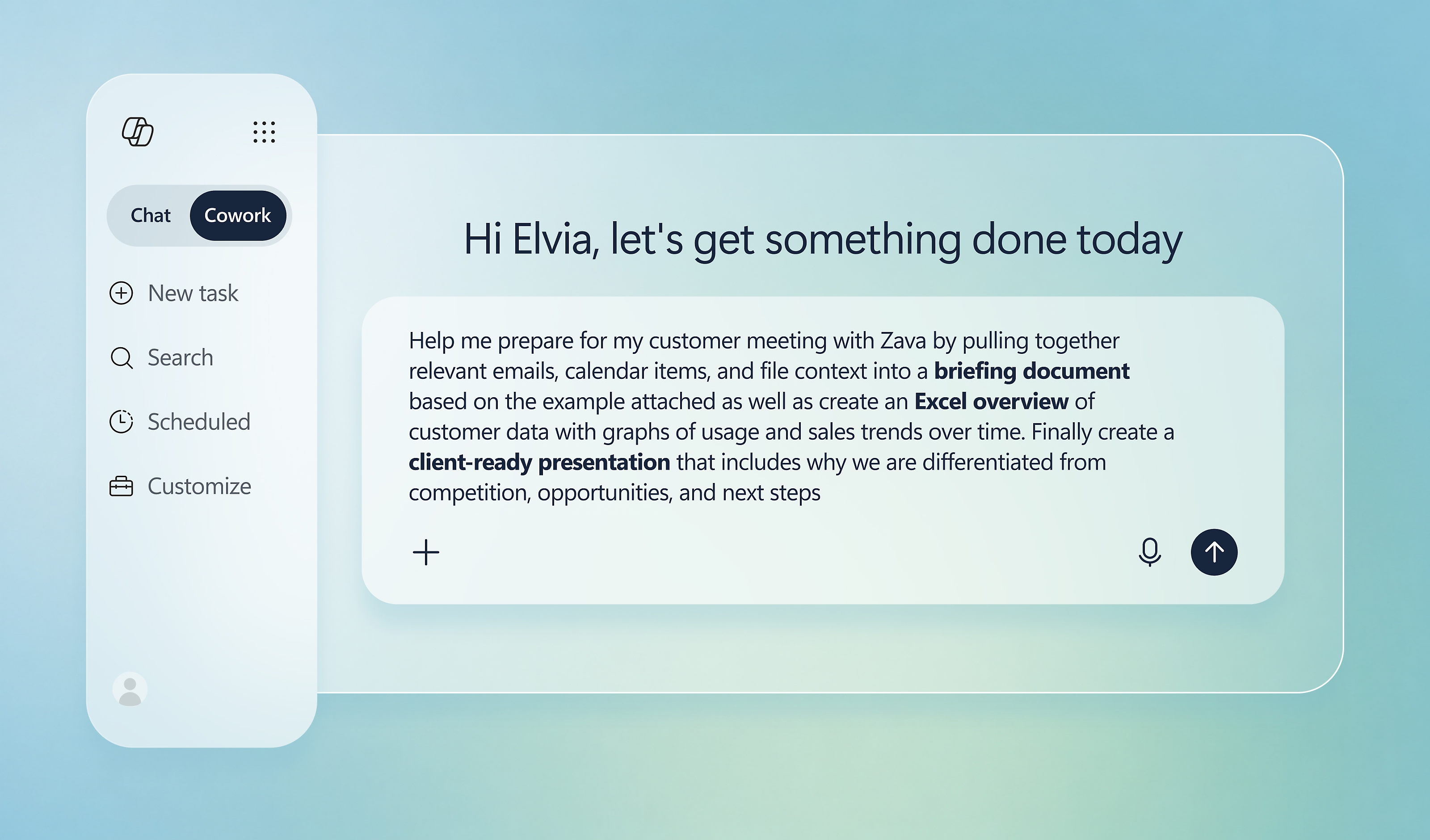
The key difference is that Copilot answers questions, but Cowork takes it one step further, helping you produce work. Instead of helping with a single task, Cowork can take on larger pieces of work that involve multiple steps, multiple sources of information and multiple decisions along the way.
| Prompt | Output | |
| Copilot | “Draft a follow-up email from yesterday’s project meeting.” | A drafted email |
| Cowork | “Review yesterday’s meeting, identify action items, draft the follow-up communication, prepare a summary for stakeholders, update the project plan and come back to me for approval before sending.” |
The entire post-meeting workflow is coordinated and prepared—from insights and actions through to communications, documentation, and governance—saving significant manual effort across multiple steps.
|
To Copilot or Cowork? What to use and when
Use Copilot when you need help creating, summarising, researching or drafting something quickly. Think of things that can help you with everyday productivity.
Use Cowork when you’re trying to complete a larger piece of work that requires more complex planning, coordination and multiple steps and sources.
A simpler way to think about it is:
- Copilot helps you work faster.
- Cowork helps work move forward.
In reality, most of us will need to use a combination of both. I still find myself using Copilot dozens of times a day for quick questions, refinements and easy quick more admin type of tasks. When a project involves pulling information from multiple sources, coordinating actions or working through a larger objective, that’s where Cowork becomes my teammate.
What does the new Cowork credit model mean for you?
Alongside all these new AI capabilities comes another significant change: how Microsoft charges for them. Historically, the conversation around Copilot was relatively simple: when you buy a license, unlimited access is granted. This is now changing into more of a mixed model of ulimited use of foundational features (for Copilot) and consumption-based use in the form of credits (for Cowork).
I like to think of credits like fuel.
Every time Cowork completes a task, or certain premium AI experiences are used, credits are consumed behind the scenes. The more complex the task, the more fuel it requires. This doesn’t mean organisations should panic or suddenly start counting every AI interaction. But it does mean AI spend is becoming something businesses need to actively manage, much like cloud consumption or storage costs. The real change is that organisations are no longer paying only for access to AI. Increasingly, they’ll be paying for the work AI performs on their behalf.
Practical tips for managing credits and your budget
- Start with the High-Value Use Cases
Not every task needs Cowork. Focus on areas where AI can save significant time, eliminate repetitive manual work or help people make faster decisions. The goal isn’t to maximise AI usage. The goal is to maximise business value.
- Monitor usage early
One of the biggest mistakes organisations make is waiting until a budget conversation happens before looking at usage. Start monitoring now. Understanding where credits are used and which scenarios deliver value will help you make smarter decisions as adoption grows.
- Governance and guardrails
The best AI governance doesn’t stop innovation, it enables it, have a think about who can create and publish agents, what data they should access, which use cases deliver measurable value and how success will be tracked. A little governance upfront can save a lot of headaches later, especially in the initial phases of accessing AI, good foundations are the key to setting up for success and avoiding hiccups down the line.
- Build an AI Portfolio, Not an AI Pilot
Many organisations are still experimenting with isolated use cases.
The organisations seeing the biggest returns are taking a broader approach. They are combining Copilot for personal productivity, agents for repeatable business processes and Cowork for complex, outcome-driven work. Each serves a different purpose, and together they create a much stronger AI strategy than any single tool can deliver on its own. Testing this, knowledge sharing and encouraging your teams is the best way to get to this outcome.
Download the free Cowork testing toolkit and prompt
We recently shared some practical tips for organisations preparing for Copilot Cowork usage-based billing, along with a downloadable testing kit. The goal isn’t just to try Cowork, it’s to understand where it genuinely adds value. The kit helps teams test real work, measure outcomes, compare alternatives, and collect the insights needed to make confident decisions about adoption, governance, and future investment.
Read the full guide and download the toolkit here
My final thoughts: we’re rapidly moving into a new way of working
The biggest Microsoft announcement isn’t that there’s a new model, a new interface or even a new feature. It’s that we’re starting to rethink the role AI plays in getting work done. For the past couple of years, AI has largely been about helping us work faster.
Draft this, summarise that or find this information for me, Cowork signals the next phase. We’re moving beyond AI that simply helps us complete tasks and towards AI that can meaningfully contribute to completing outcomes.
Will it replace people? No. Will it replace expertise? Definitely not.
But it will change how knowledge workers spend their time, where they focus their energy and what they choose to delegate. The conversation is no longer whether you should be using AI. The real question is: what work should AI be doing so your people can focus on what matters most?
About the author:
Shivon Raj is a Digital Marketing Lead at Engage Squared, where she helps bring customer stories to life and demonstrates the value organisations can achieve through Microsoft technologies. Her work focuses on content, campaigns, events and thought leadership that connect innovation with measurable business outcomes.